How to
Set up your FASTEC® bindings.
Follow this guide to set up your FASTEC bindings and fine-tune them to your riding style, for the perfect balance of comfort and performance.
See all setup videos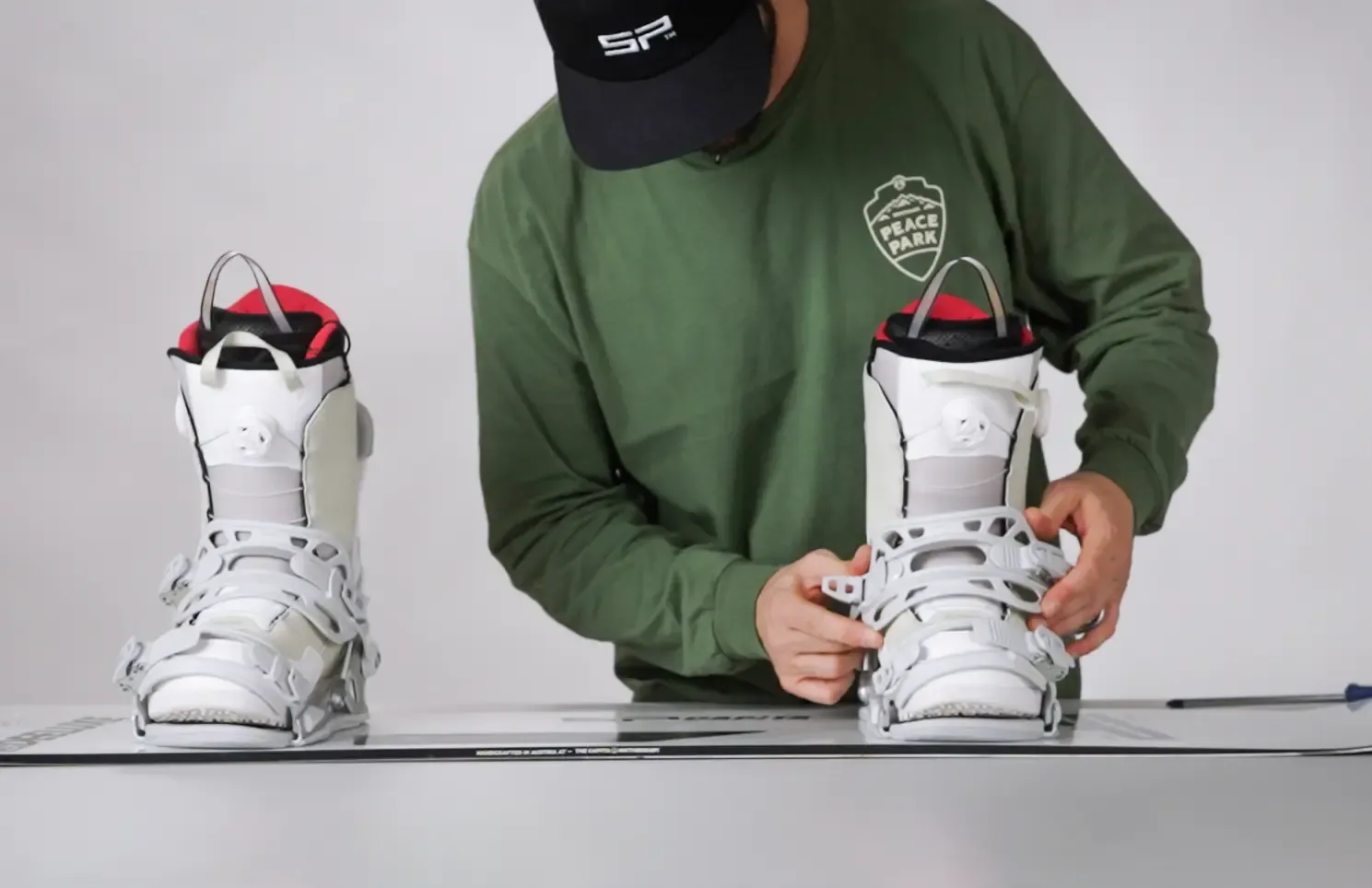
Get ready
Tools needed
Phillips #3 screwdriver
The same driver covers mounting and highback rotation. Everything else — forward lean, strap length, strap angle — is tool-free.
About 15 minutes
Both bindings, mounted and dialled in. Work on a flat surface with the board base down.
Types of discs
Mounting Discs
Most bindings fit 4×4, 4×2 and ICS mounting systems. If your binding turns out not to be ICS compatible, contact your local retailer for optional ICS discs.
Supported. Every FASTEC binding mounts to 4×4 inserts.
Splitboard: the FASTEC splitboard binding pairs with Voile pucks only.
Mounting
How to mount your bindings
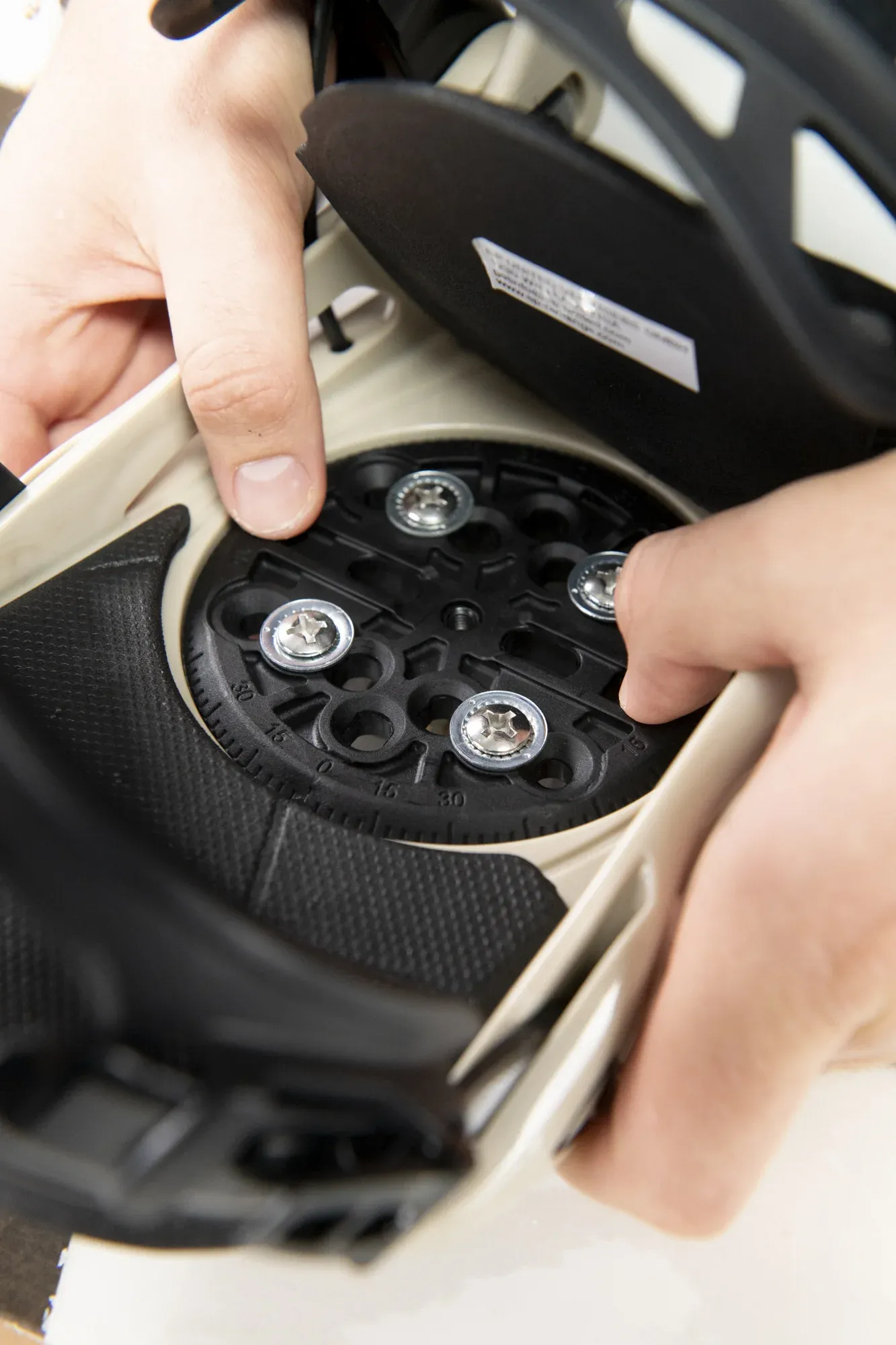
Insert the disc
Place the disc on the binding in your preferred setup position.
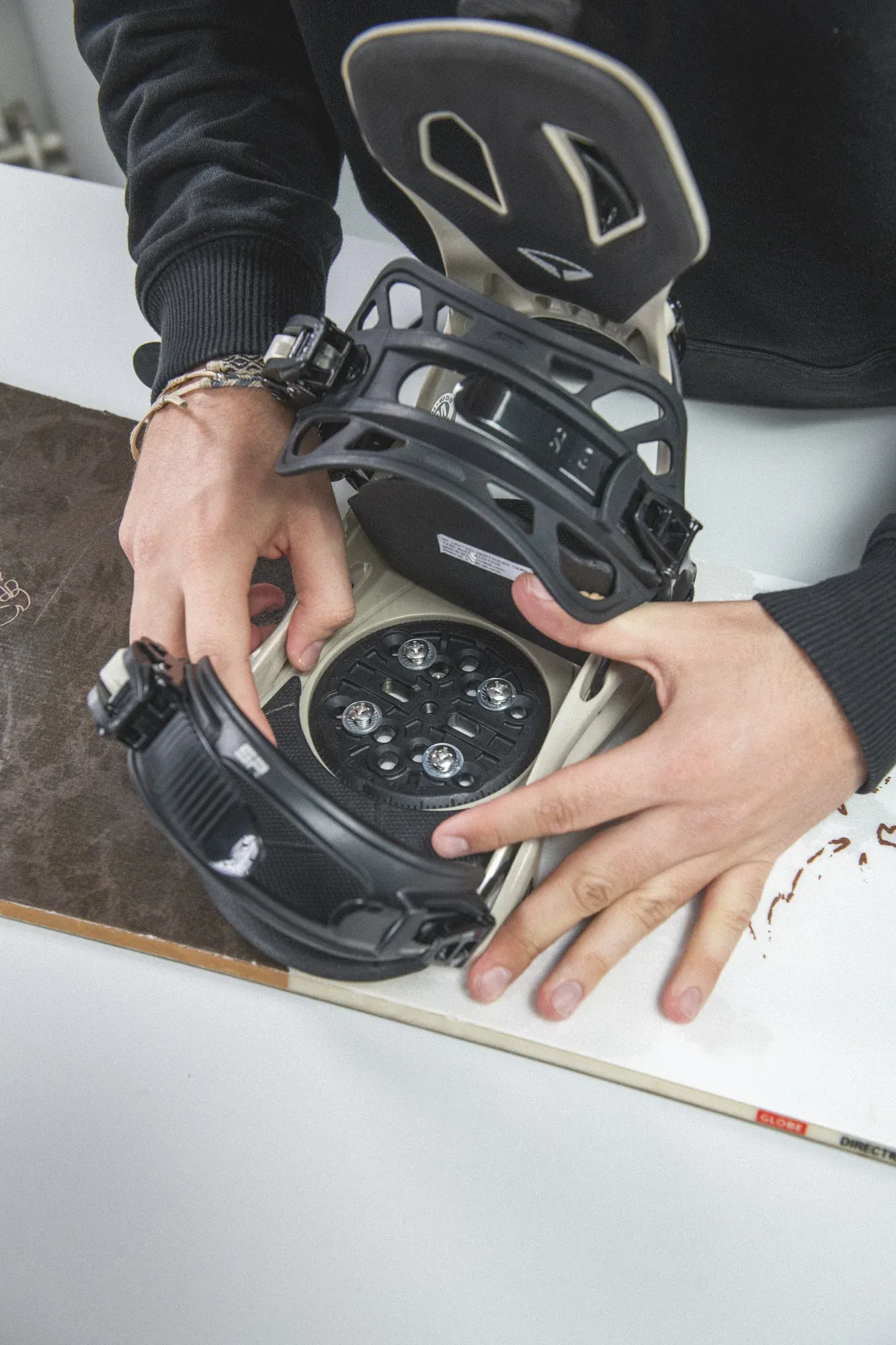
Stance & angles
Determine your stance width and binding angles based on your riding style and comfort. Adjust the disc position and rotate the binding to your desired angle before mounting.
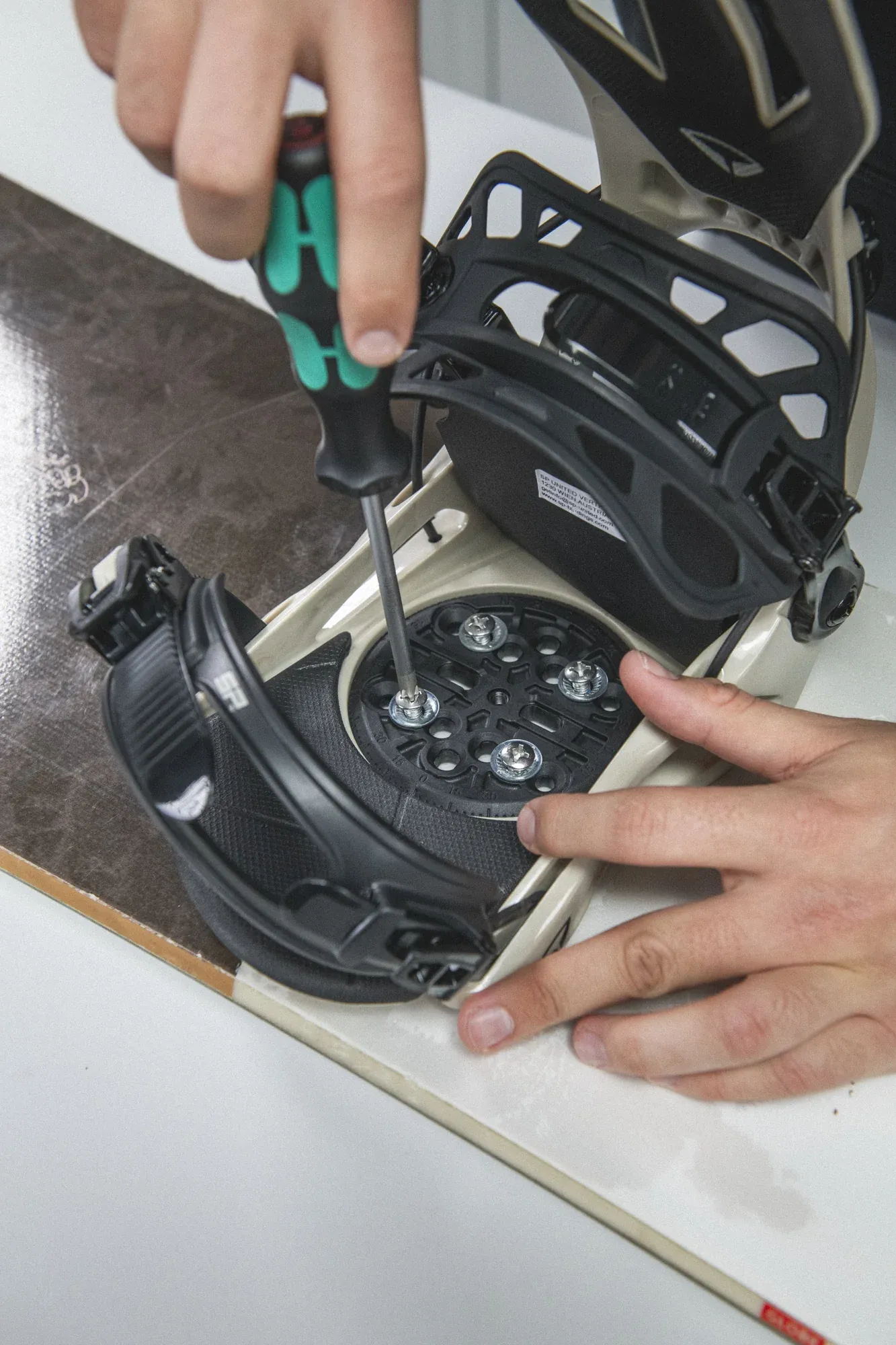
Mount your binding on the board
With a #3 Phillips screwdriver, start each screw by hand. Begin with one full turn on every screw, then tighten gradually, alternating between screws, until all are secure and evenly tightened.
Simple adjustments
Adjust Your Bindings
Strap Adjustments
How to adjust your toe- and anklestraps
Flip it Strap
Flip the ankle strap for opposite flex
Forward Lean
Adjustable responsiveness through forward lean
Highback Rotation
10° of adjustable highback rotation
Fast entry
How to Set-up Fast Entry
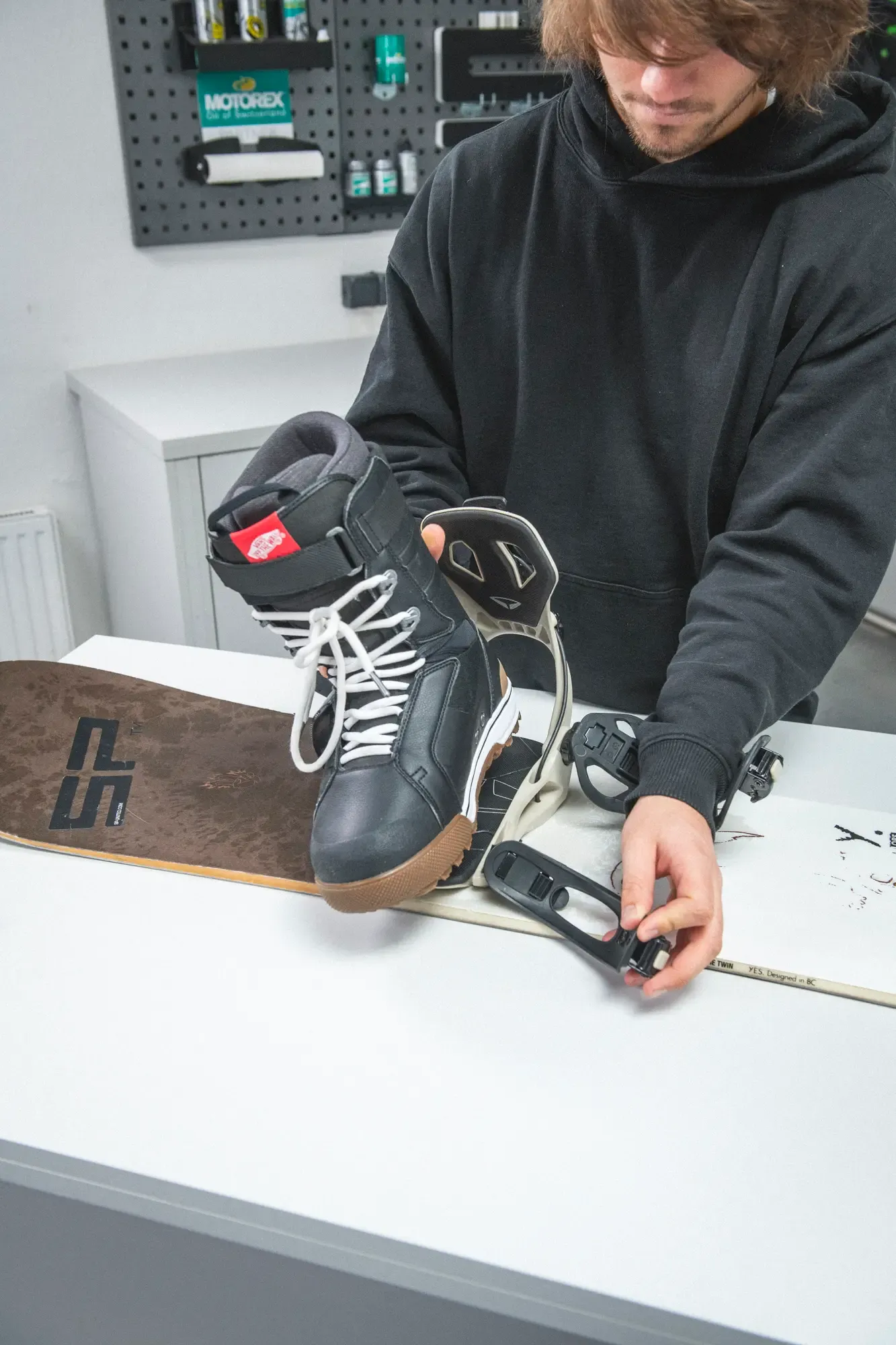
Place boot in binding
Position your boot inside the binding, heel first, making sure it sits flush against the highback.
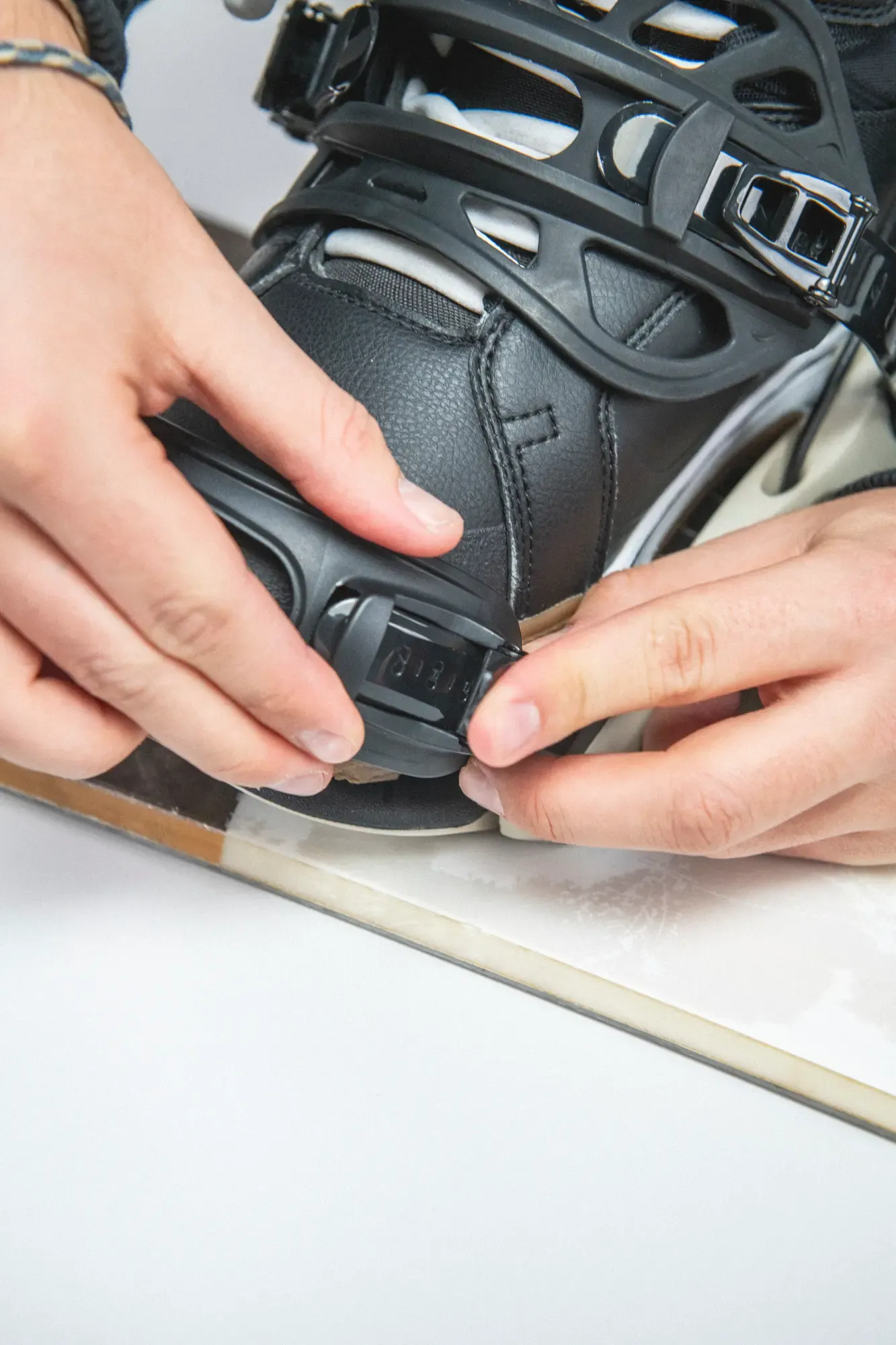
Adjust toe strap
Adjust the toe strap so it sits centered over the base of your toes — not too high, not too low — for even pressure across the boot.
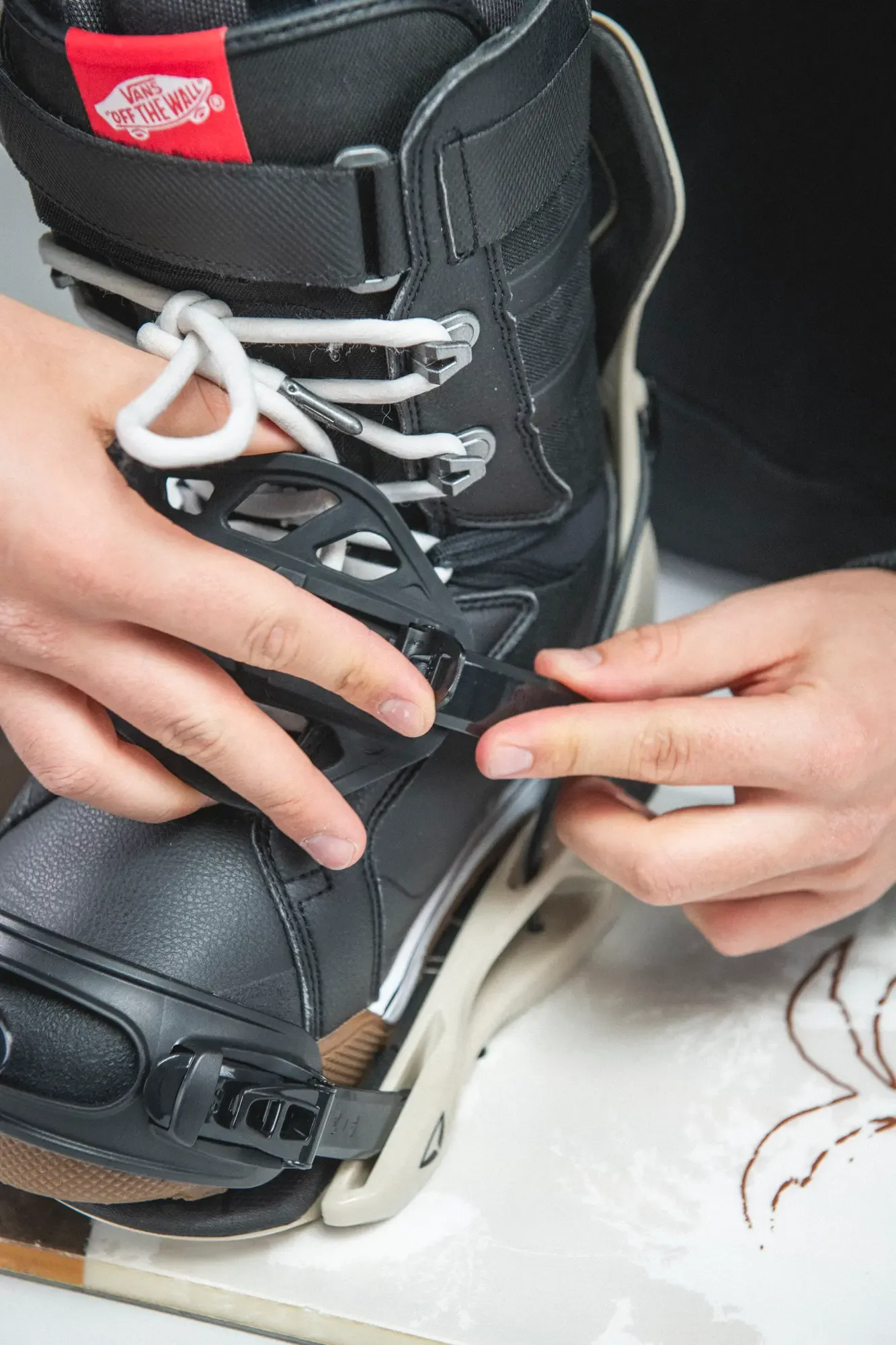
Adjust ankle strap
Tighten the straps until snug and secure, without cutting off circulation. You should feel firmly locked in, not squeezed.
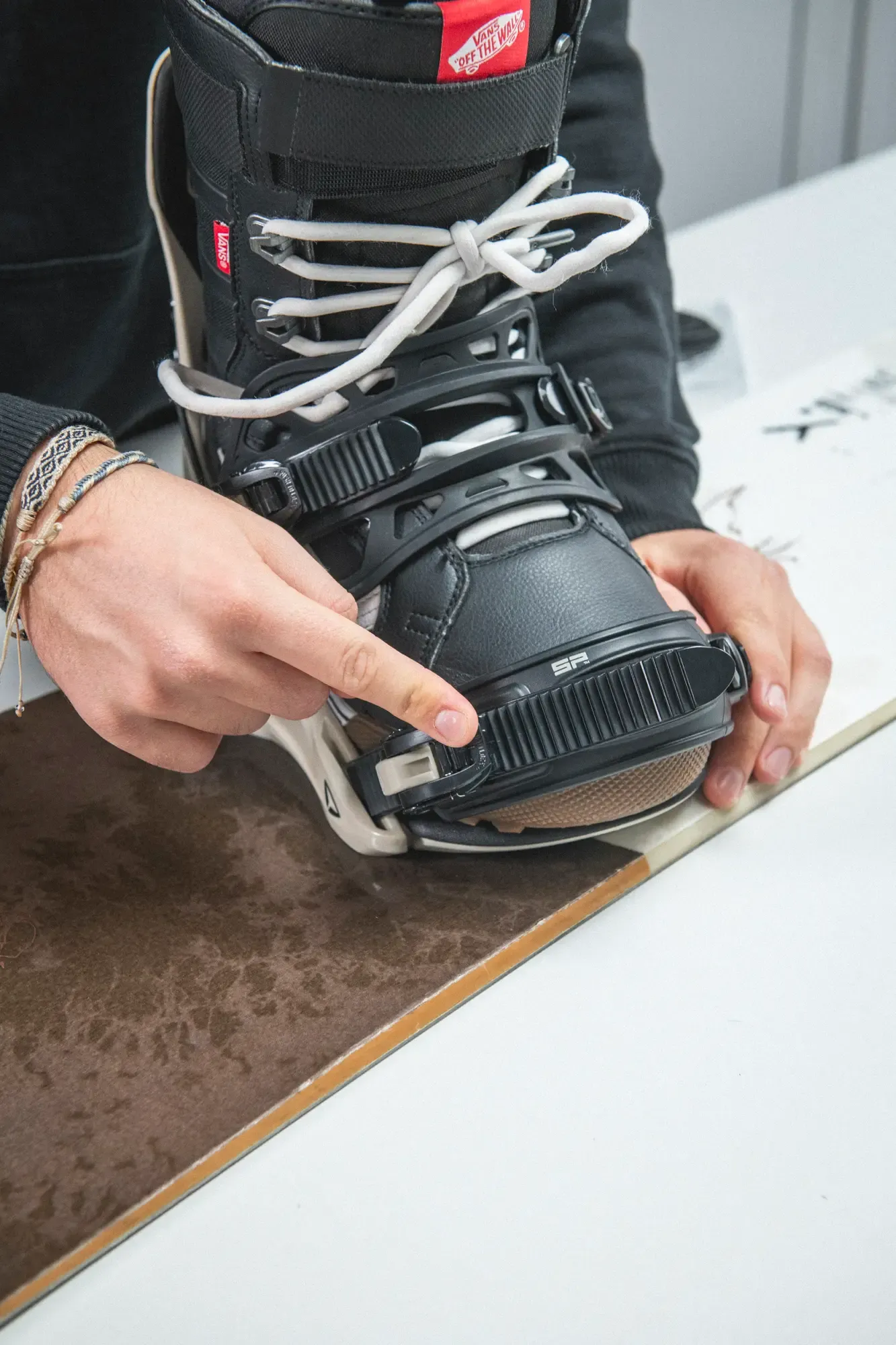
Buckle lock
After setting the straps to your desired length, lock the buckle by pushing it down until you hear it click — saving your position for seamless fast entry.
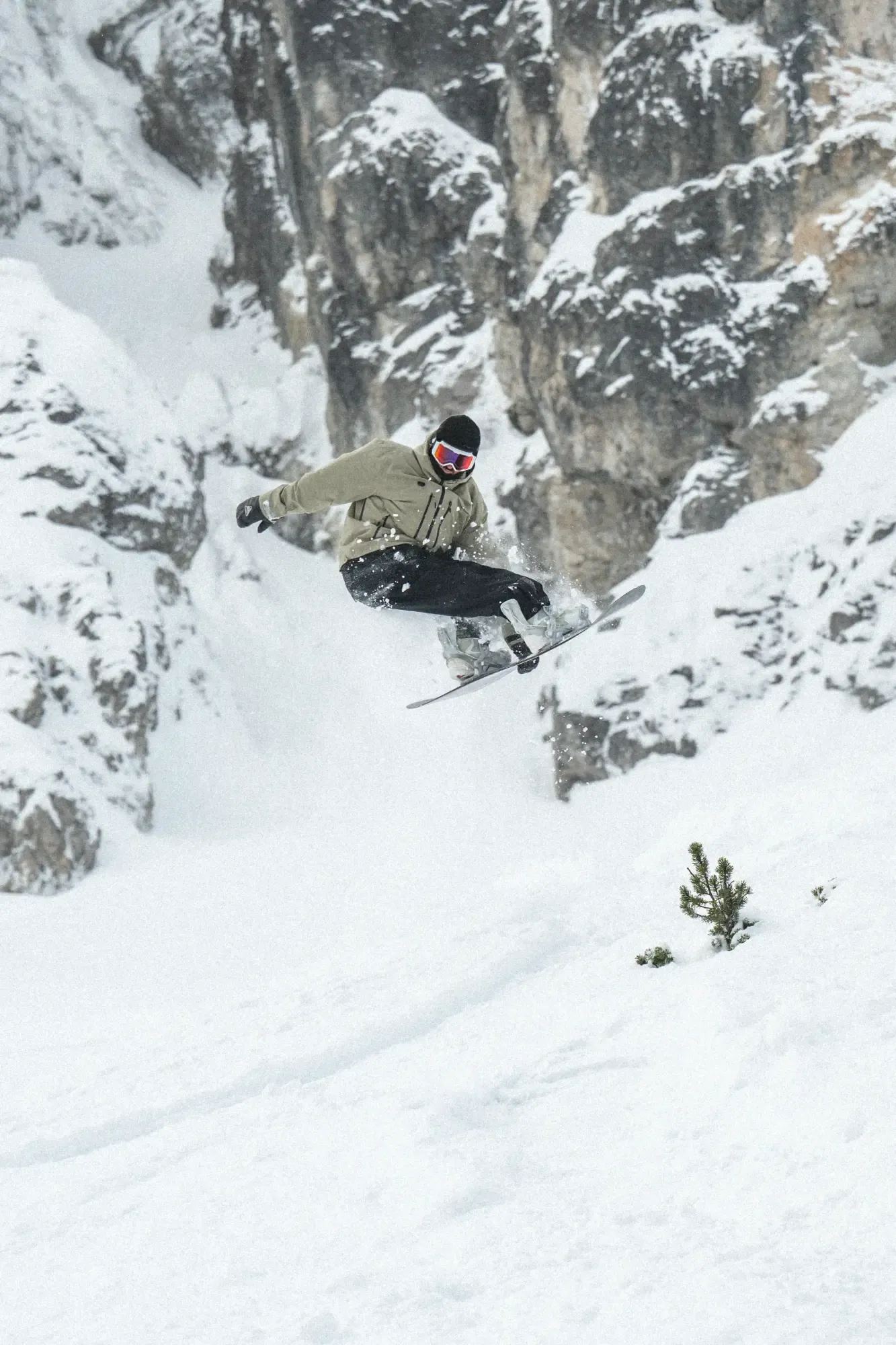
Go ride
Enter and exit the binding using fast entry.
Video library
Video Library
Need extra help? Explore our collection of videos to help you set up your FASTEC bindings and fine-tune them to your riding style.
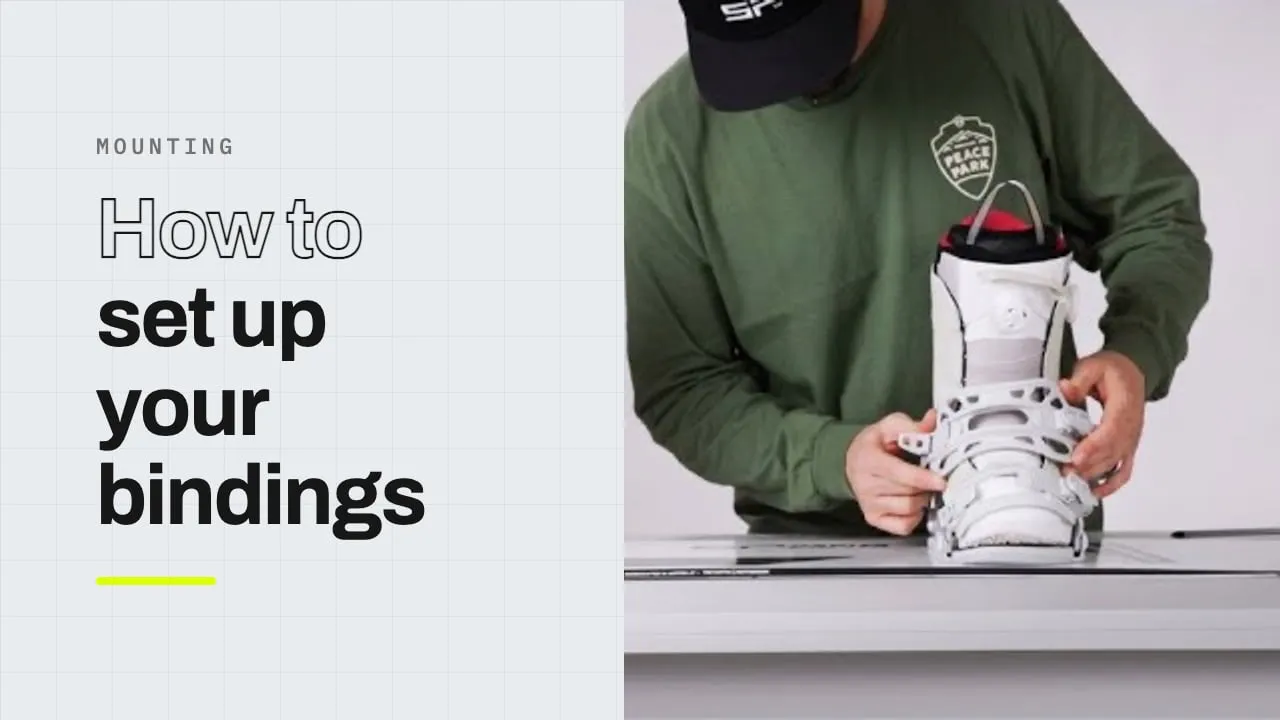
Mounting
How to Mount Your Bindings
Mounting, straps, fit — the complete setup, start to finish.
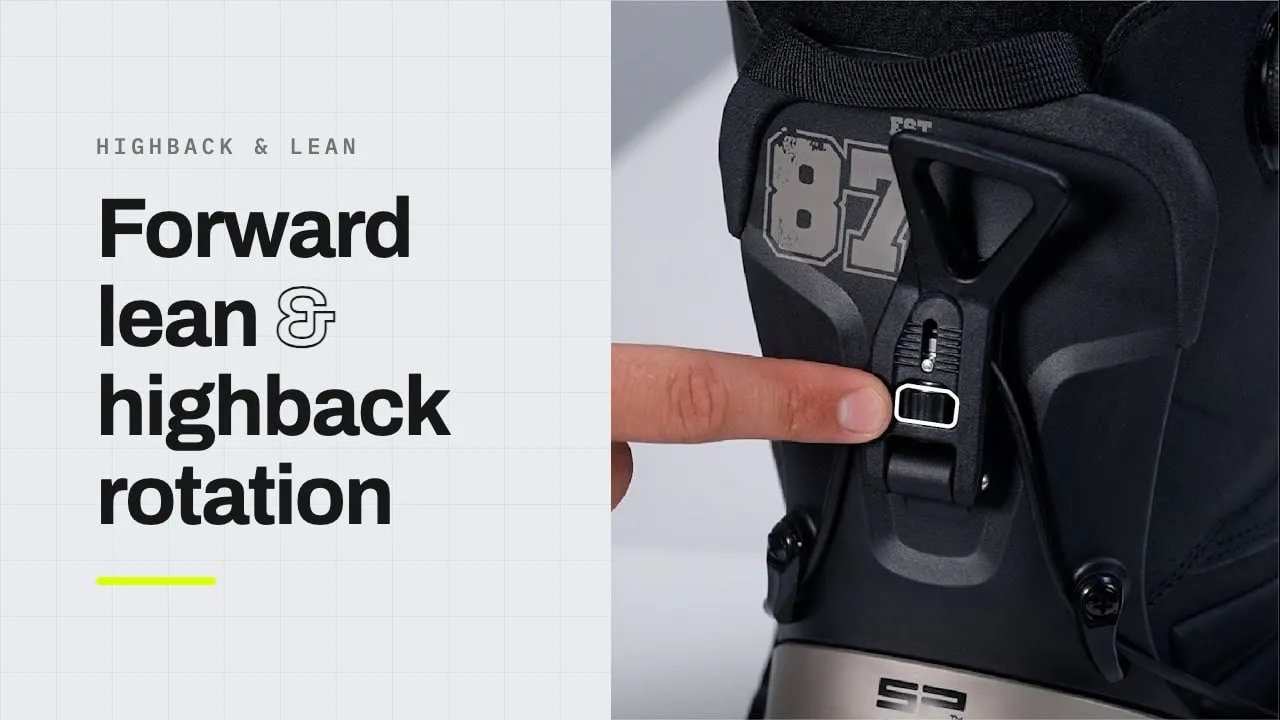
Highback & lean
Forward Lean & Highback Rotation
The two adjustments that change how the binding rides. Both are tool-free.
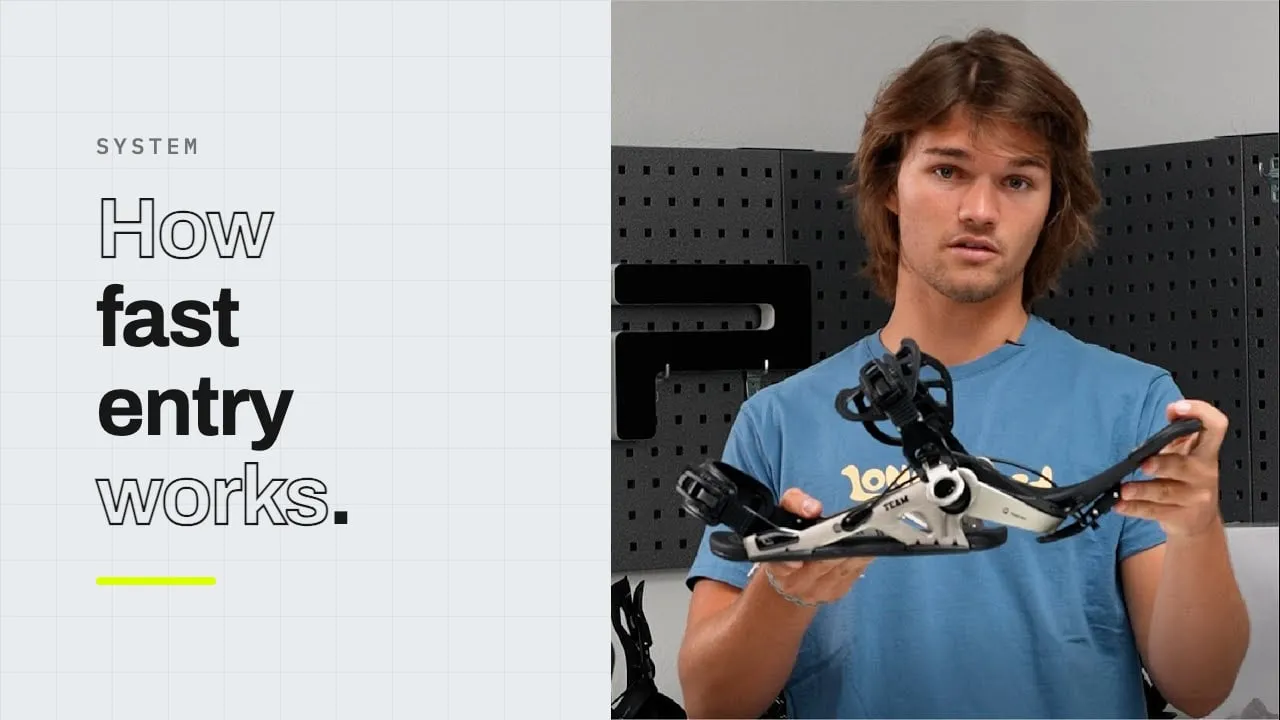
System
How fast entry works
The highback lever, the ankle lever, and the step in.
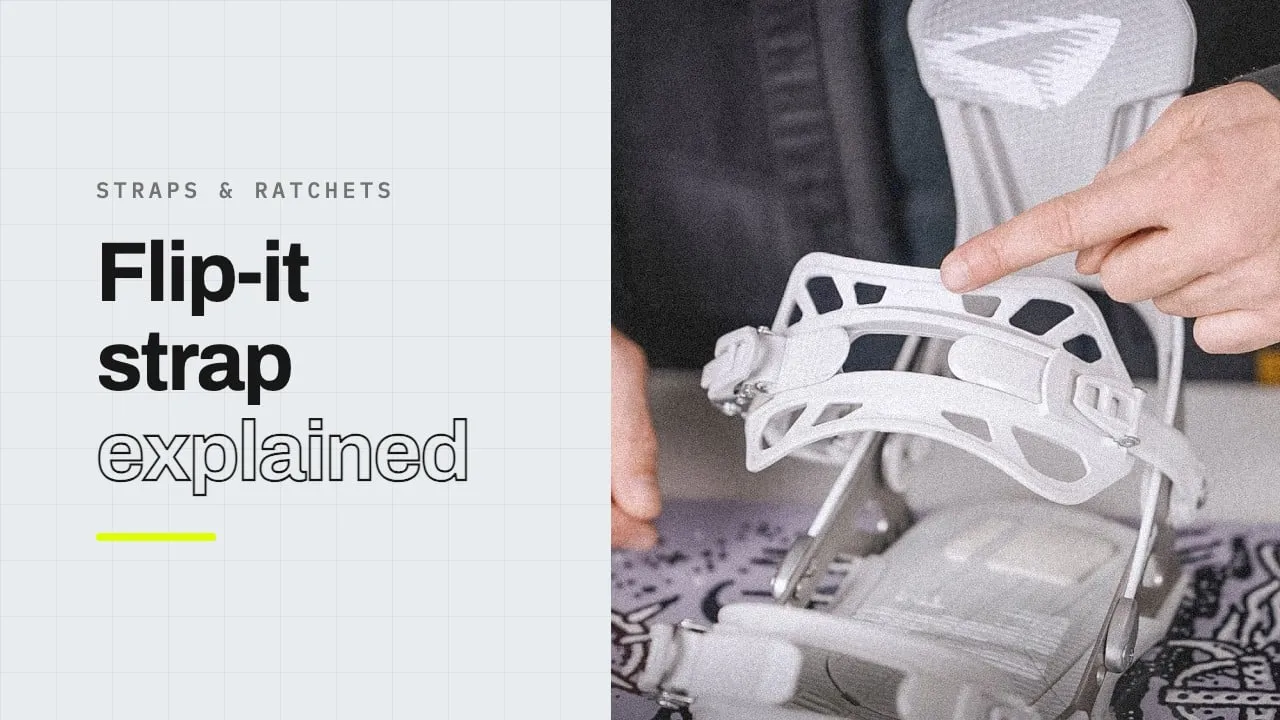
Straps & ratchets
How the strap mechanism works
Ratchets, ladders and the buckle lock, shown up close.
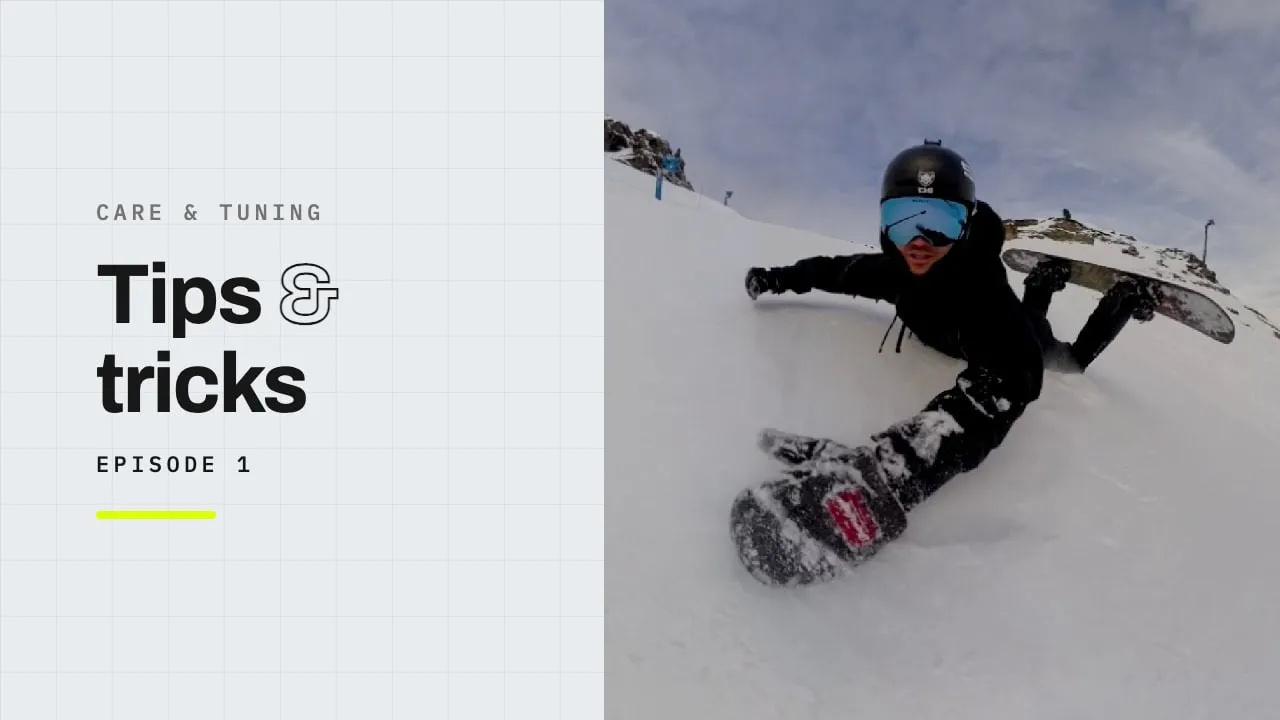
Care & tuning
Small adjustments, big difference
Fine-tuning the fit once the binding is on the board.
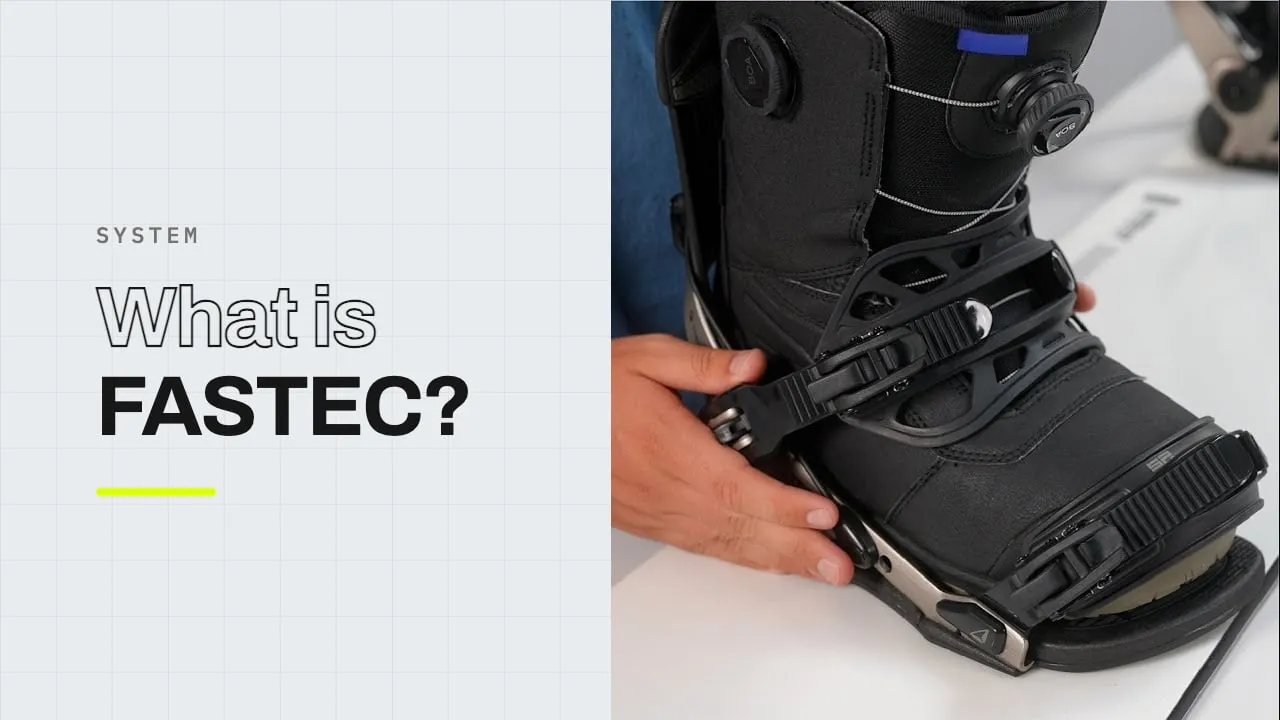
System
What is the FASTEC system?
The short version: one binding, two ways in.
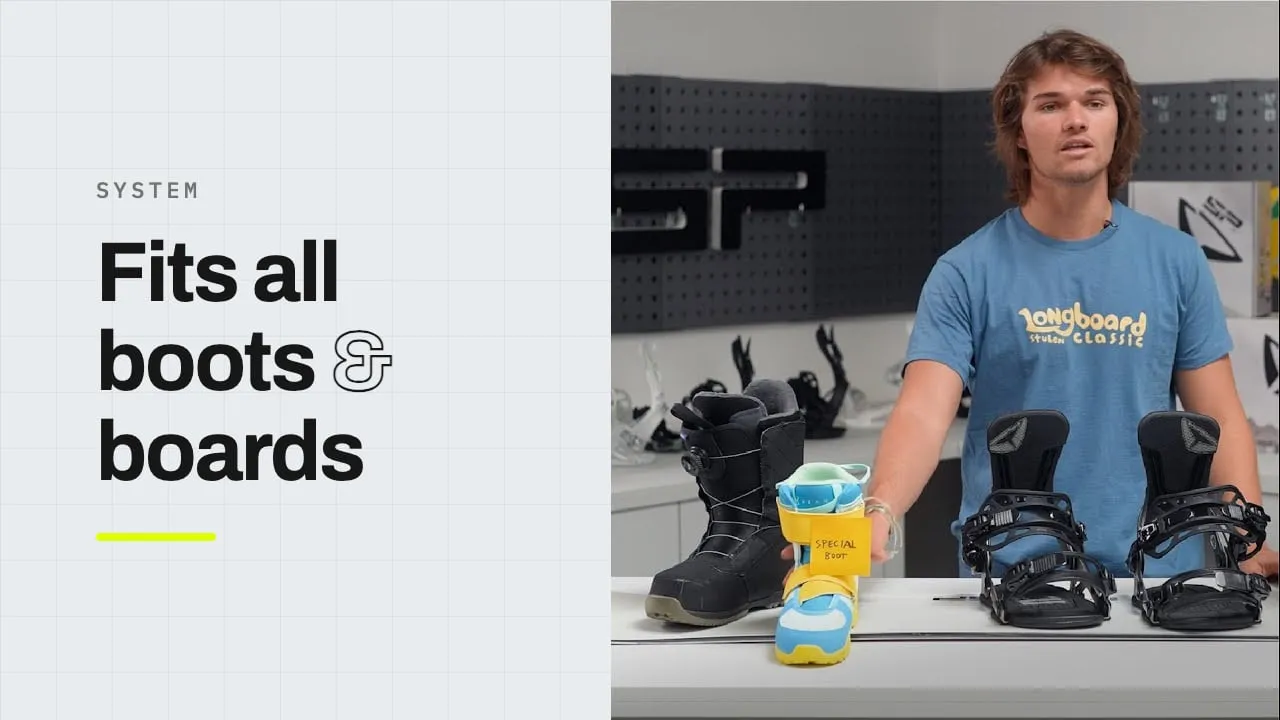
System
No special boots needed
Why any standard snowboard boot works with FASTEC.
Troubleshooting
When something sticks.
The highback won’t lock
Packed snow or ice in the lever path is the usual cause. Clear it, lift the highback fully upright, then close the lever.
Heel lift in fast entry
Strap tension is set once at the side buckles. Re-set it with your boot in and the binding closed in classic entry, then switch back to fast entry — the mechanism keeps the new setting.
Ratchets feel stiff in the cold
Clear ice from the ladder straps and work the buckle a few times. Don’t force a frozen ratchet — clear it first.
The ankle lever doesn’t pop open
The ankle lever is released by the highback: open the highback lever fully and pull the highback all the way down. If it still sticks, check for ice around the cable coupling.
Set-up
Frequently Asked Questions
What tools do I need?
A Phillips #3 screwdriver for mounting and highback rotation. Forward lean and strap length and angle adjustments are all tool-free.
Do I re-tighten the straps between runs?
No — set them once using the buckle lock, and the mechanism keeps that tension every time you open and close the binding.
Which boots work with FASTEC?
Any standard snowboard boot.
Which boards does it mount to?
4×4 inserts, 4×2 inserts, and the Channel system (ICS, depending on disc type).
Does it work on splitboards?
Yes — the FASTEC splitboard binding works with the Voile puck system only.
Support
Ask a human.
Still need help or have a question? Our technical support team is here to help.